
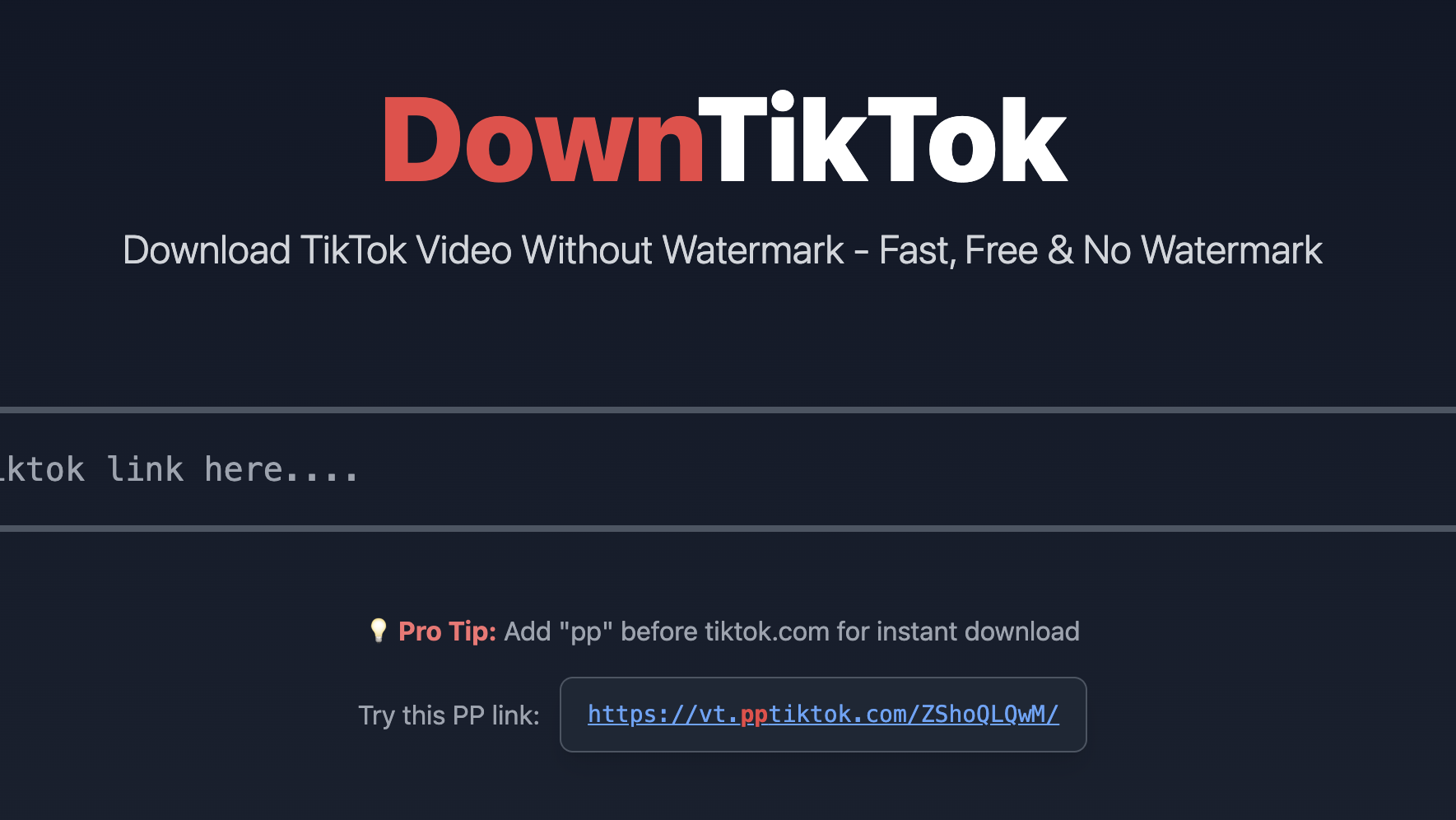
Downtiktok is a free and powerful tool for downloading watermark-free TikTok videos and improve the quality. Let’s check the two ways to use it!
- Using Downtiktok Website
- Open TikTok from the webpage. Select any TikTok video you want to download. Click on the “Share” button and then go to the “Copy Link” option to save the link of the selected video.
- Now open downtiktok.net in your browser and paste the copied link in the search bar. Downtiktok‘s fast and efficient servers will then quickly remove the TikTok watermark and improve the video quality.
- Click the download button, and your desired TikTok watermark-free video is downloaded.
- Shortcut
- Open TikTok from the webpage. Insert “pp” between “www.” and “tiktok” in the search box for the video link you want to download.

- Then press the Enter button.
- Finally, you will see that it has jumped to the Downtiktok website, and the watermark-free video download has been completed.
Just enjoy and share the watermark-free TikTok videos!

Leave a Reply